Replay a run
Open past runs, overview, and smooth path shape.
Open replay
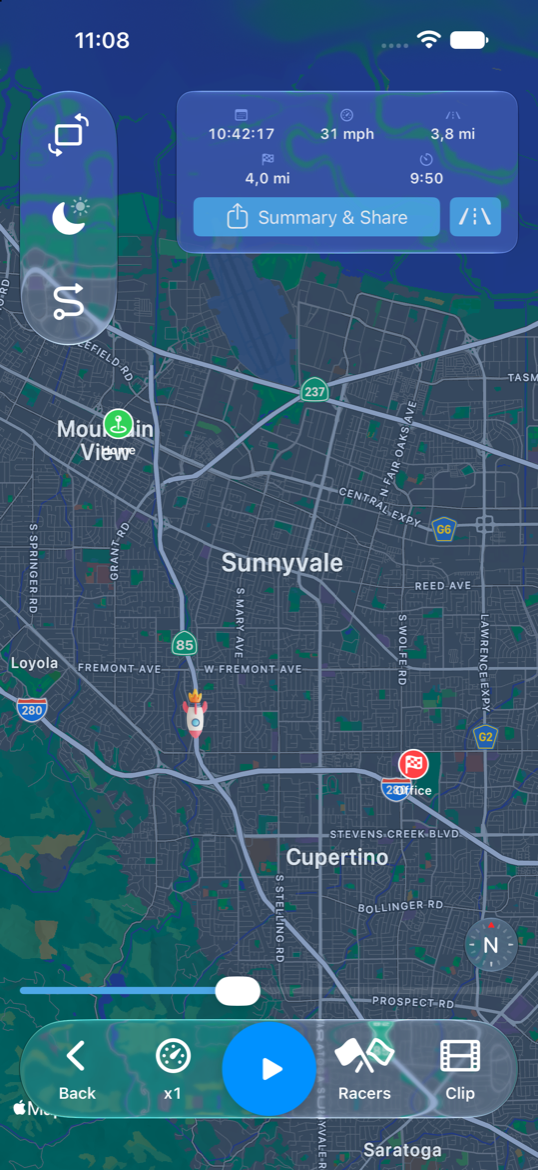
From segment history (or global history), choose play to replay. Replay uses the same base map with on-map stats.
Controls
- Play / Pause and seek along the timeline.
- Replay always starts from raw GPS.
- The pretty-path button beside Summary & Share shows a smoothed path when map matching (Pro) is available.
Tips
- The comparison scoreboard follows the history time-range setting.
- Leaving replay returns you to the live map.