Map matching (Pro)
Beautify route data with Mapbox or custom OSRM, optional automatic processing.
What it is
Map matching snaps raw GPS onto map roads so the route looks smoother. It is a Pro feature, car mode only, and runs on demand — not automatically on every save.
How to use
- Open replay.
- Tap pretty-path.
- Confirm if asked (unless Process routes automatically is on).
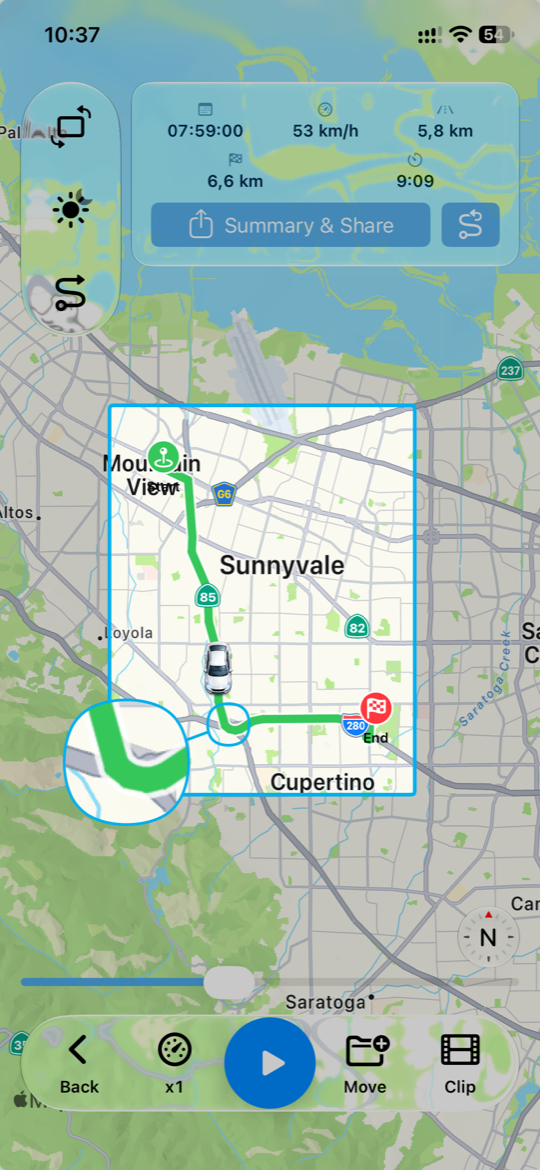
Already-matched routes can be rematched from replay when you ask.
Providers
- Mapbox (Pro default): needs a Mapbox token in the build configuration.
- Custom OSRM: URL + API key in Settings (Pro), driving profile.