Race together and History Range
Auto-pick race-together data and the time range in use.
Race together
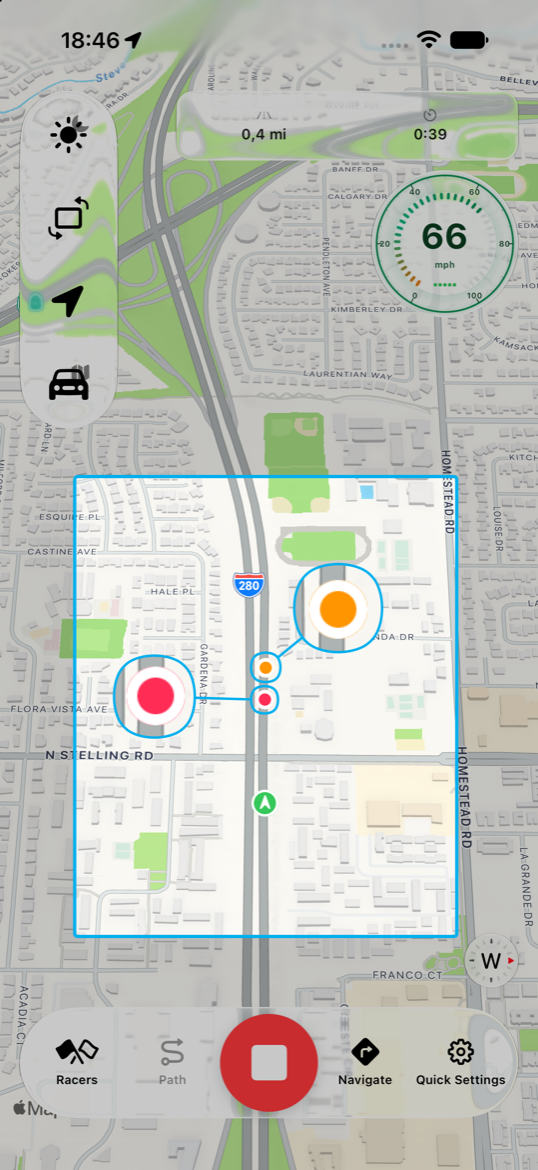
On the same segment, SpeedLoop can race you against your own past runs. On the map, colored dots for past routes start together with your green dot.
The same segment can have different directions and paths. Race-together data makes those routes easy to compare.
- Auto race together (Settings) picks the fastest and slowest data when you start.
- While recording or in history, open the picker for presets (fastest/slowest — 3 most recent — Top 3 fastest) or pick other runs by date.
History Range
Settings → History Range is the default window for:
- History / compare lists
- Trophies / personal best / slowest
- Auto race together and presets
Free stays on All Time. Custom ranges (30 / 90 / 365 days) require SpeedLoop Pro — choosing them in Settings or on a history/compare sheet opens the paywall.
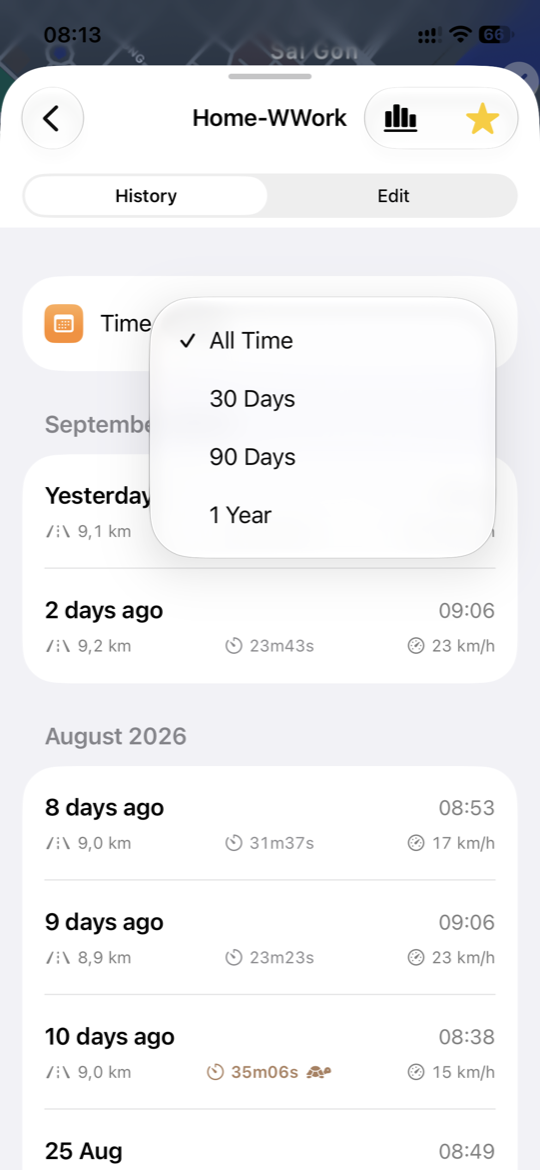
In a segment’s history or compare sheet, Time Range only changes that list — it does not overwrite Settings. Best, slowest, and presets follow the range on that sheet.